
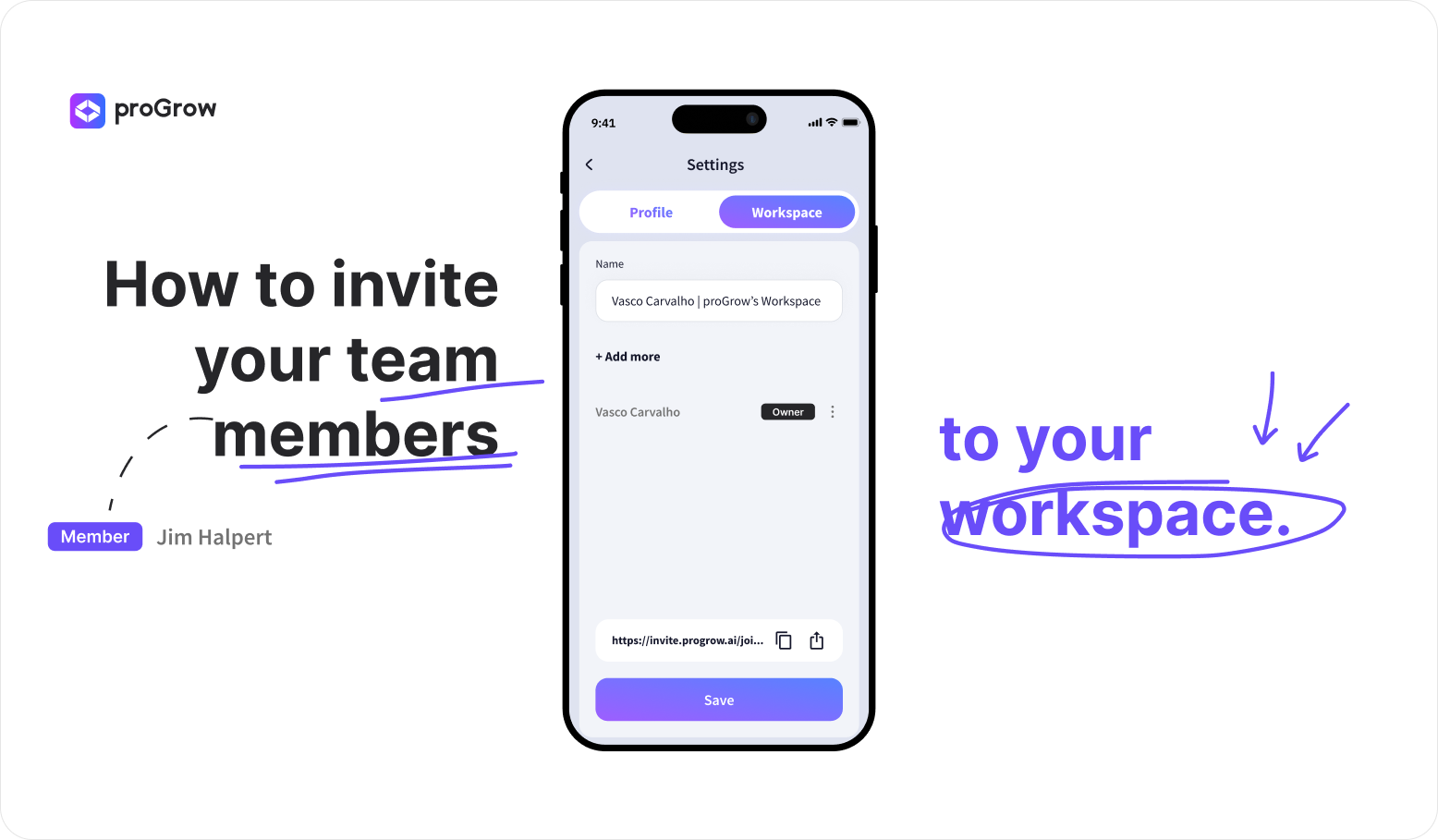
How to invite your team members to your Workspace
Are you still spending half your day answering "status update" emails?
It’s time to change the flow. The proGrow One App was built for real-time collaboration. By inviting your team to your Workspace, you replace endless email chains with instant data sharing.
How to get everyone on board:
- Click on the top-right menu to open the sidebar.
- Click the "Invite Members" button.
- Invite your teammates by enter their professional emails for a direct invite or copy the link to share via Slack/WhatsApp, for example.
- Dont’ forget to hit 'Save'.
- Users with the app simply accept the invitation via email, others will be prompted to download it first.
The link opens the app directly or redirects users to a download page, if they don't have the app, to access the workspace.
Stop managing through folders and start leading with real-time insights.
Still haven't downloaded the app? Download now the app and start talking with your factory.
If you have any doubt don’t be afraid to reach out, we are always available to help you.
More articles
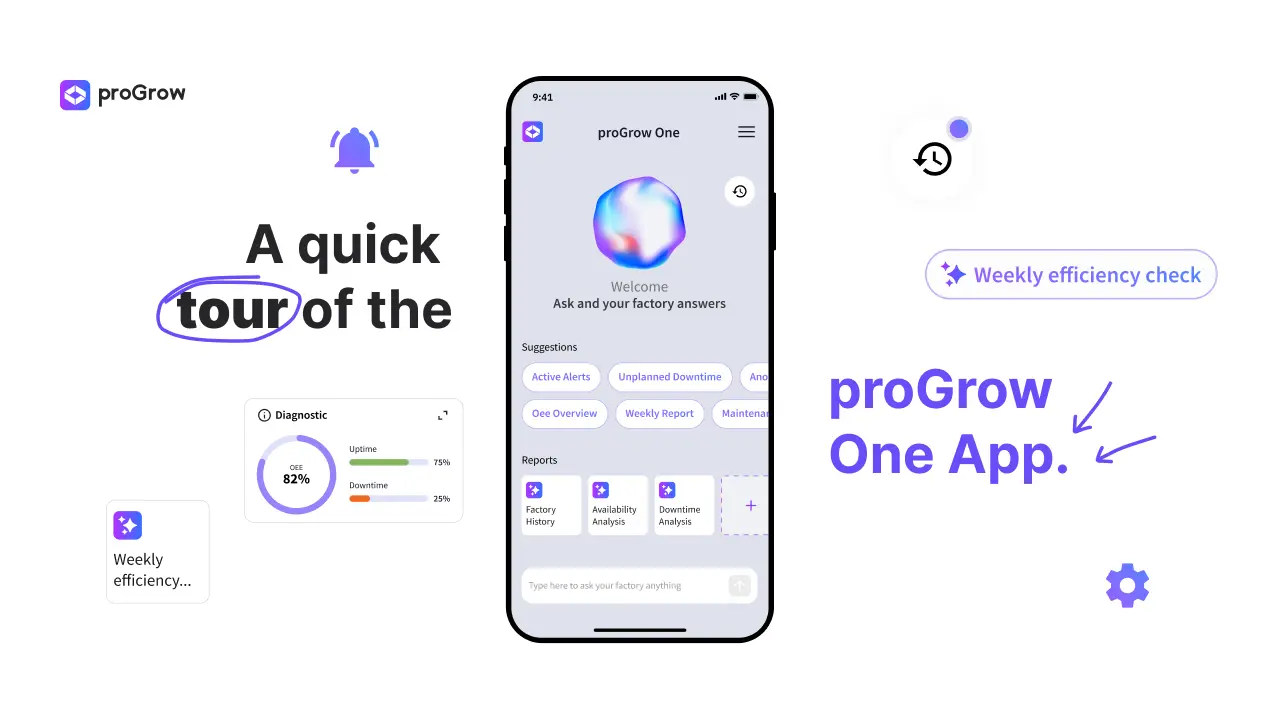
A quick tour of the proGrow One App
Learn how the proGrow One App digitalizes your factory, offering real-time OEE tracking, machine monitoring, and AI insights.
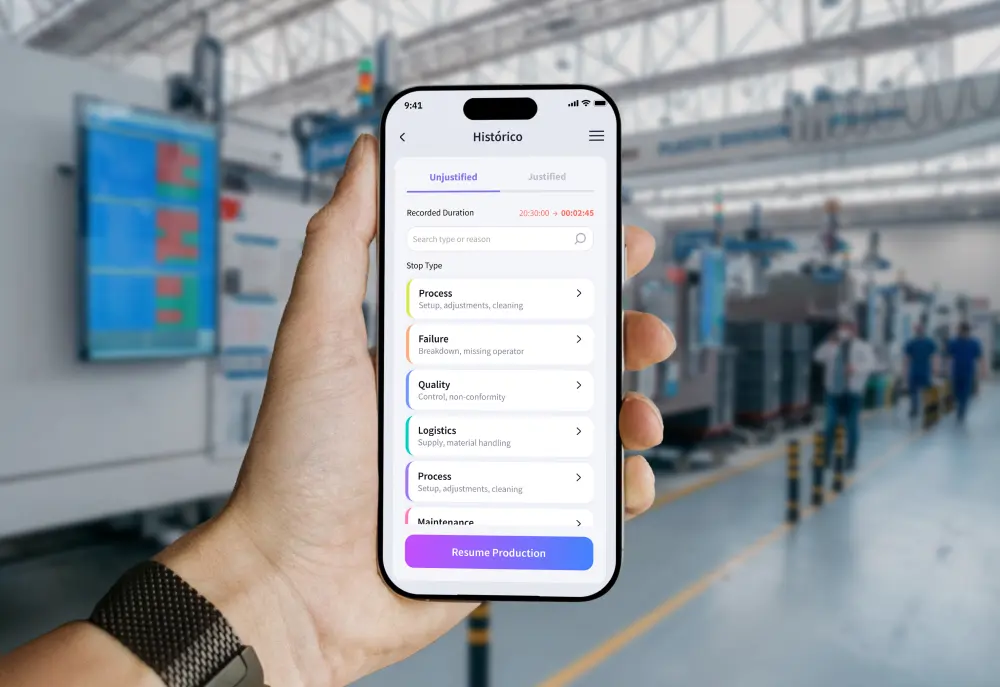
Real-Time Downtime Logging: Now Available on Mobile
Eliminate reporting lags and inaccurate OEE data. Discover how mobile downtime justification empowers operators and boosts plant capacity in real time.

OEE Data Accuracy: How to Fix Faulty Shopfloor Metrics
Is your 78% OEE a lie? Discover why accurate shopfloor data collection matters more than the OEE formula itself. Eliminate hidden data entry errors.