How to make the most of the Feed in the proGrow One App
Want to turn factory floor data into real-time financial visibility and instant operational insights?
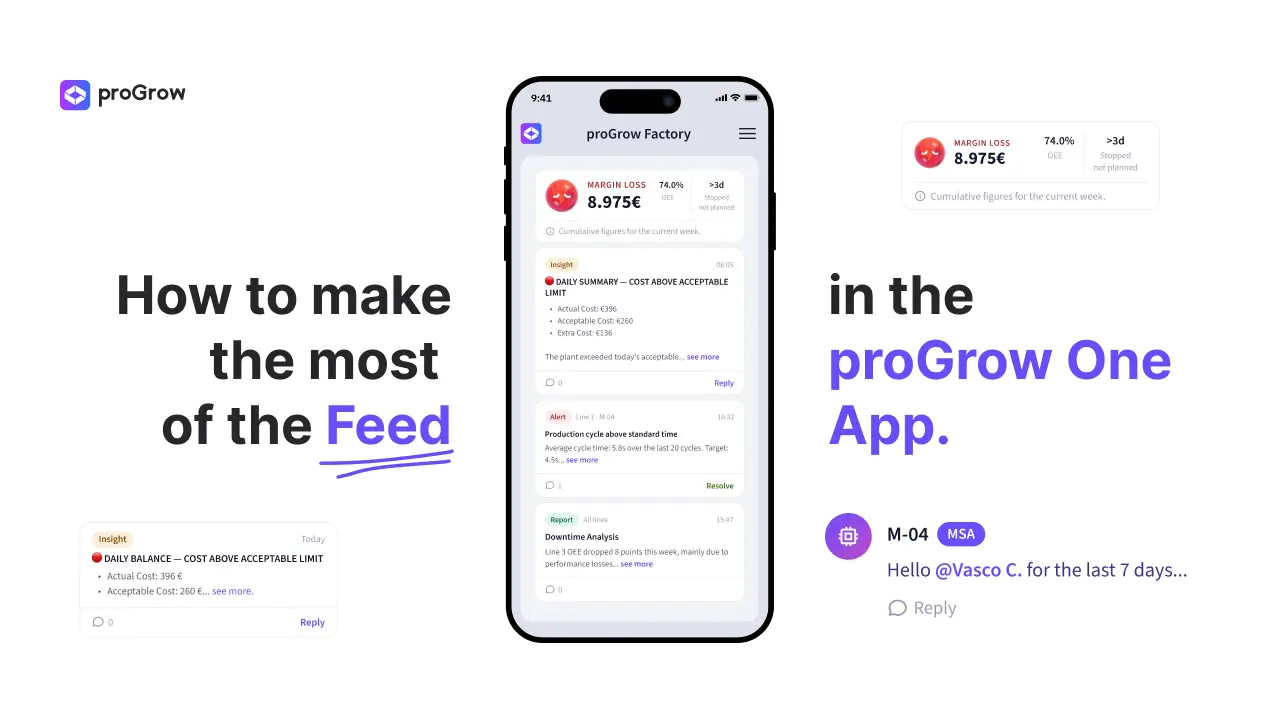
With the Feed in the proGrow One App (now also available on desktop PC), you get a central operational hub where you can track financial impact, receive automated AI insights, monitor real-time alerts, and access custom reports from anywhere.
Stop guessing where your production losses are coming from. Whether you want to measure lost hours in direct financial terms, get a daily automated verdict on your factory's performance, or collaborate with your team directly on machine data, the Feed gives you the clarity you need to protect your margins.
How to make the most of the proGrow Feed in a few simple steps:
- Monitor Real-Time Margin Loss: Log in to the proGrow app to open the Feed, anchored at the top by the Margin Loss card—translating lost production time into direct financial impact alongside stopped hours, OEE, and active production orders.
- Configure Hourly Costs & Targets: Tap the info icon (i) on the Margin Loss card to see how the metric works and customize your machine hourly costs (€/h) and target values to match your factory's reality.
- Review Daily & Smart Insights: Check your Daily Insight for an automated verdict on the previous day's performance, and let Smart Insights monitor live data to detect recurring micro-stoppages, slow cycle times, or OEE drops before they hurt your bottom line.
- Filter & Build Custom Reports: Filter your feed by Insights, Alerts, or Reports. Tap the "+" button to create personal or shared workspace reports by setting the title, analysis period, schedule frequency, and visibility.
- Deep Dive into Operational Data: Click into any report to explore interactive charts, financial downtime costs, and total lost hours broken down by shift, machine, or factory area.
- Collaborate & Chat with Your Machines: Leave comments, attach shopfloor photos or evidence, tag team members, or tag
@proGrowor a specific machine to ask questions directly to our AI—keeping every action tied to real operational data.
Stop reacting too late. Start making data-driven decisions that protect your margins.
The Feed — available on both mobile and desktop PC — is the ultimate operational hub for plant managers, supervisors, and operators who want to focus on what truly adds value across the shopfloor.
If you have any questions or want a personalized setup, don't hesitate to reach out! We are always available to help you.
Contact us via: www.progrow.ai/demo or hello@progrow.ai
More articles
How to make the most of the Feed in the proGrow One App
Optimize production with proGrow Feed: track real-time financial losses, OEE, automated alerts, and AI-powered insights on mobile and desktop.
How to Justify Stoppages in the proGrow One App
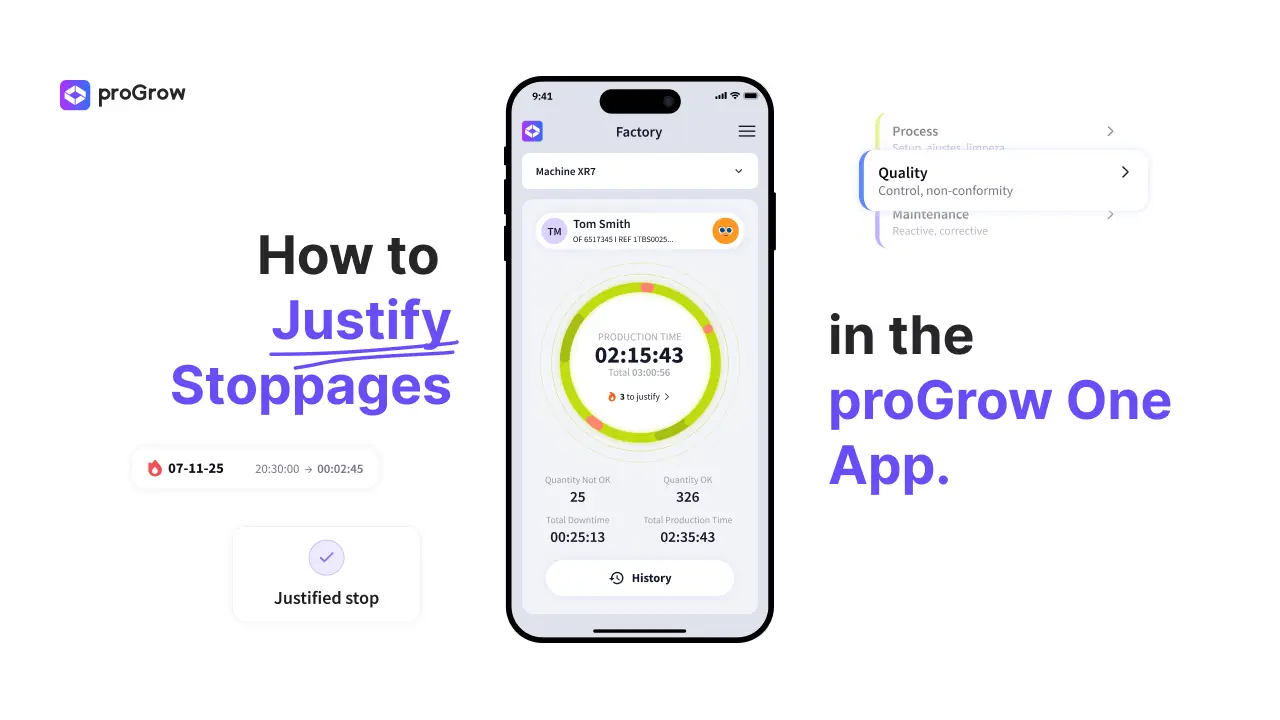
Master downtime management with proGrow: easily categorize machine stoppages, edit historical records, and keep your production data 100% accurate.
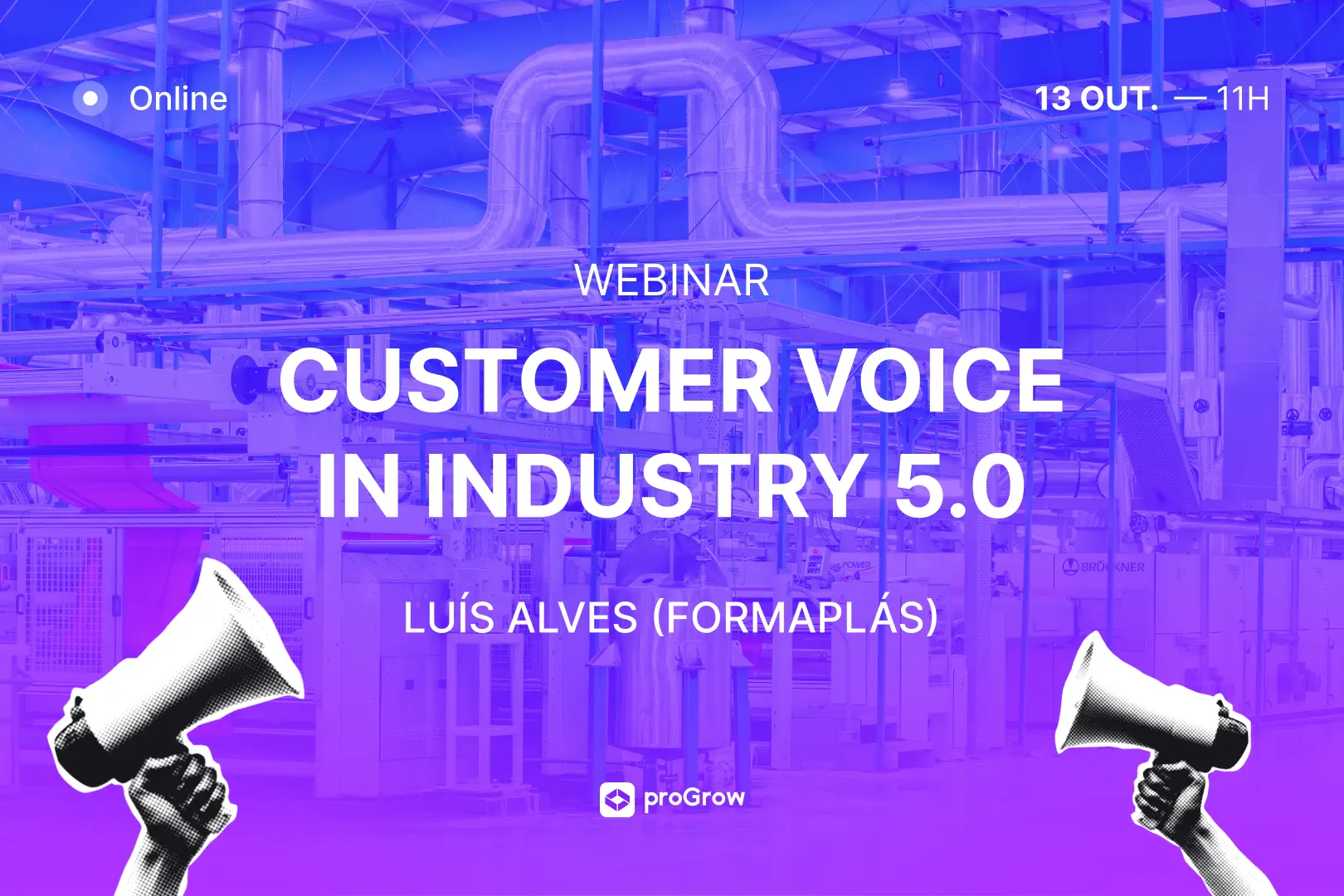
Webinar: Customer Voice in 5.0 Industry with Luís Alves
Luís Alves shares how Formaplás transformed its shop floor using proGrow's real-time connectivity, AI analytics, and digital monitoring.